


RAM for Computer

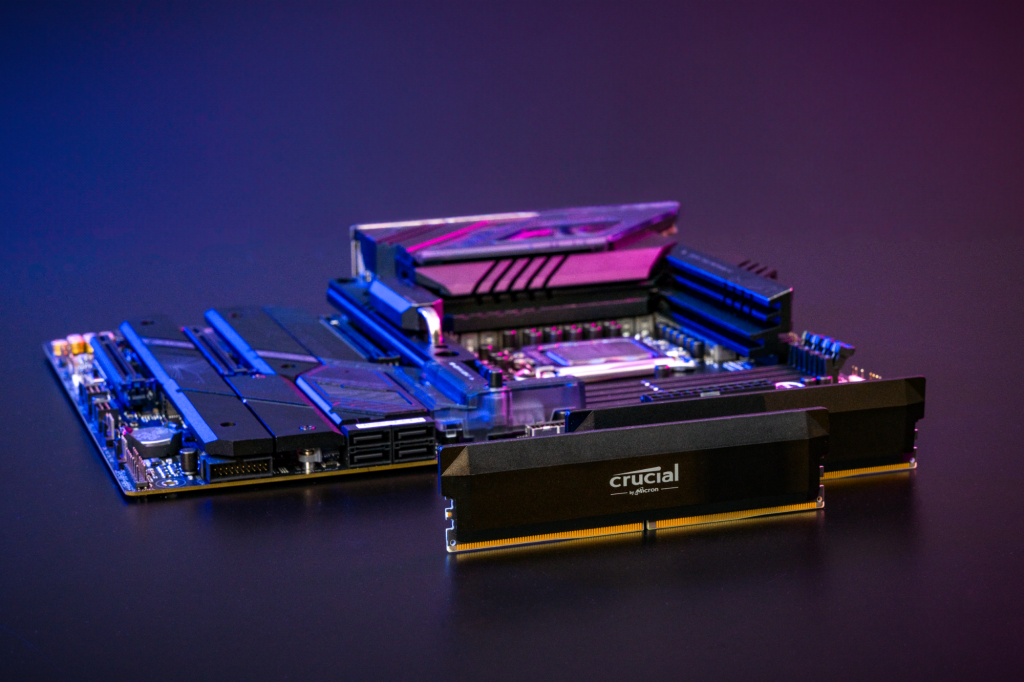
RAM, or Random Access Memory, is a computer’s temporary, high-speed workspace where the CPU stores data it’s actively using for quick access. It’s a volatile form of memory, meaning its contents are erased when the computer loses power. More RAM allows a computer to handle more programs and tasks simultaneously, leading to better performance and smoother multitasking.
The “best” RAM for your PC depends on your specific needs and budget, but in general, you should choose the latest RAM type your motherboard supports (DDR4 or DDR5), get a dual-channel kit, and purchase an amount suitable for your tasks (8GB for basic use, 16GB for gaming/moderate multitasking, 32GB+ for professional work or high-end gaming). For optimal performance, look for RAM with a good speed and low CAS latency (CL) rating, like a DDR5 6000 CL30 kit.
For basic computing such as web browsing, document creation and light photo editing, 4GB or 8GB is usually sufficient. However, for more intensive tasks such as gaming or graphic design you might want to increase your RAM to 16GB or even 32GB of RAM. 16GB RAM is generally better for performance, especially for heavy multitasking, modern gaming, and demanding tasks like professional content creation. However, 8GB RAM is sufficient for everyday use, basic productivity, and light gaming. The “better” option depends entirely on your specific needs, with 16GB offering smoother performance and a better experience for users who push their systems, while 8GB is a cost-effective choice for most casual users.

When 16GB RAM is better?

Heavy Multitasking:
If you frequently run many applications, web pages, or software simultaneously, 16GB prevents slowdowns and ensures a smooth experience.

Advanced Gaming:
Modern games often require more RAM for optimal performance, leading to higher frame rates and better minimum frame rates.

Professional Content Creation:
Tasks like professional video editing, 3D rendering, and CAD design benefit significantly from 16GB or more RAM.

Future-Proofing:
With applications and operating systems becoming more demanding, 16GB provides a buffer for future software and keeps your system performing well for longer.

When 8GB RAM is sufficient?

Basic Computing:
For web browsing, email, word processing, and basic spreadsheets, 8GB of RAM is usually
enough.

Light Gaming:
You can still play many games with 8GB of RAM, though you may need to adjust settings for more demanding titles.

Budget-Conscious Users:
If your budget is tight and your needs are not intense, 8GB is a perfectly functional and
cost-effective option.
To check your RAM on Windows, right-click the taskbar and select Task Manager, then go to the Performance tab and click Memory. On a Mac, click the Apple icon and select About This Mac to see your total RAM. Alternatively, on Windows, you can open Settings, go to System, and click About to find your “Installed RAM under Device Specifications”.
Best brands:

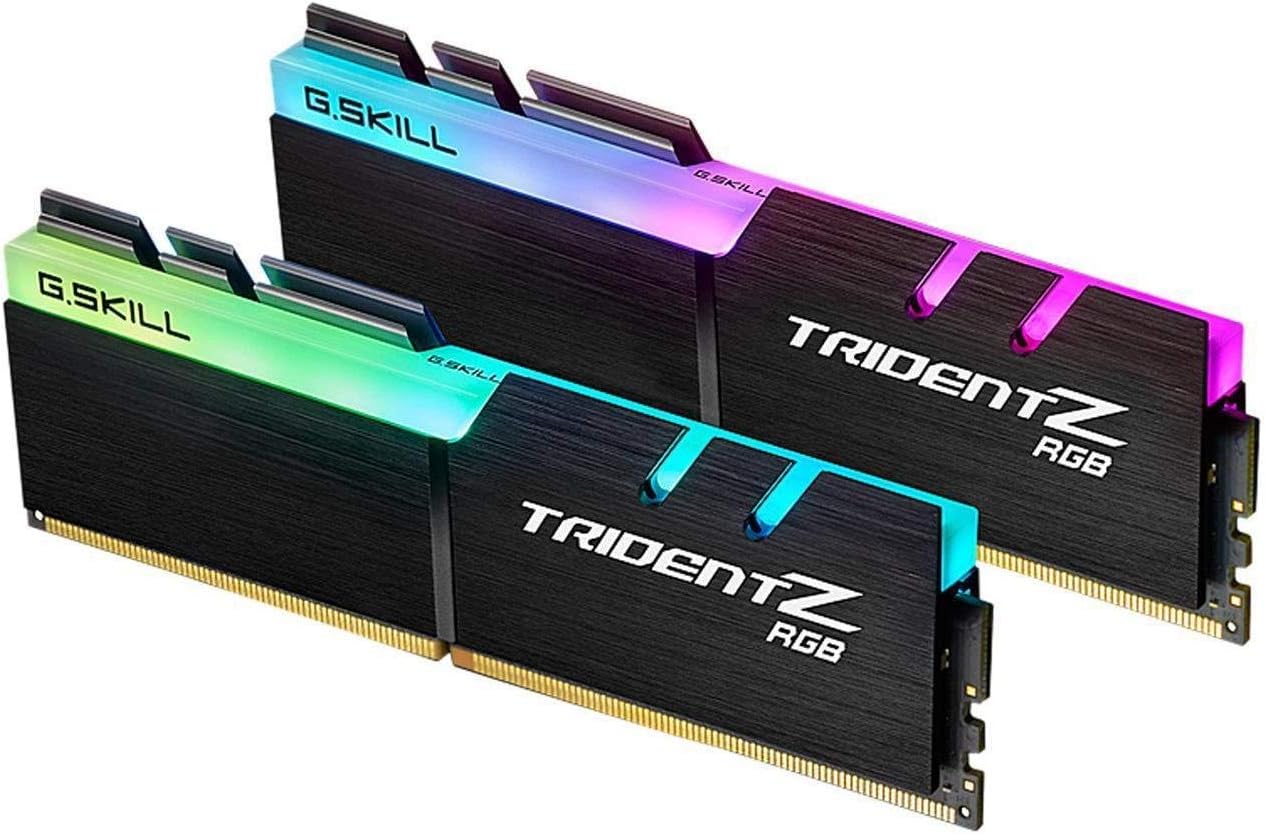
Top-rated RAM brands for 2025 include Corsair, G.Skill, and Crucial, offering high performance and reliability for various needs. Other reputable brands to consider are Kingston Technology (especially its Kingston Fury lineup), Samsung, SK Hynix, and Teamgroup. The best brand for you depends on your budget, system requirements (DDR4 vs. DDR5), and whether you prioritize speed, features like RGB lighting, or reliability.

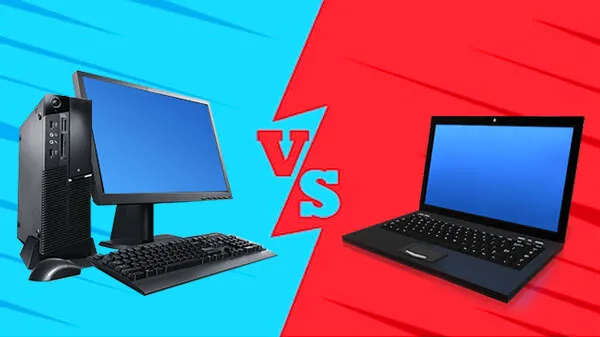
You can choose from the above based on the computer or Laptop that you have for now.

How good is iPhone 17 Pro and Pro Max !!

Leave a Reply

Your email address will not be published. Required fields are marked *

Recent Comments