


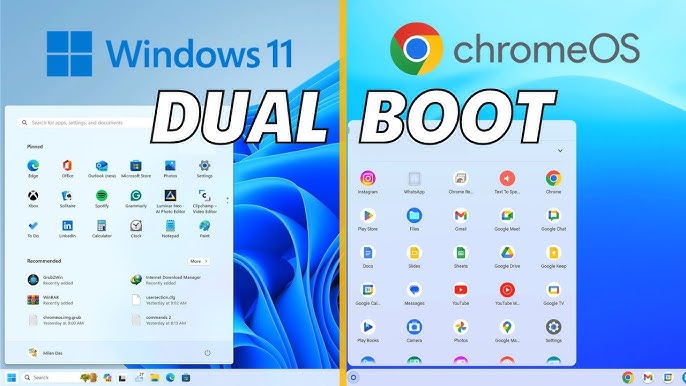
Is ChromeOS better than Windows?
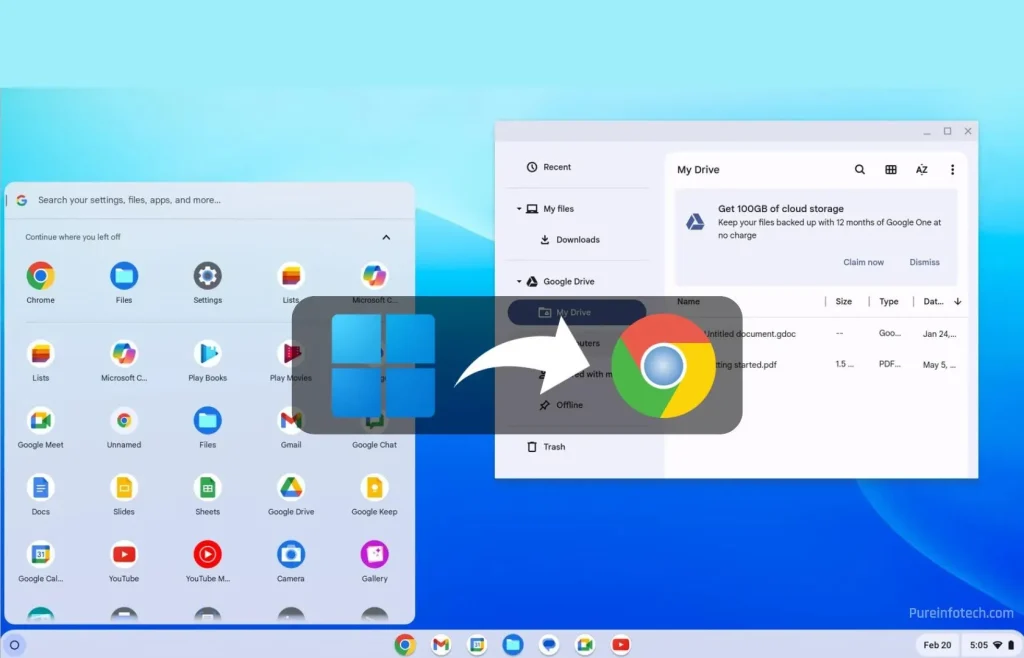
Whether Chrome OS is better than Windows depends on your needs; Chrome OS is simpler, more secure, faster to boot, and better for users who primarily work online with cloud-based apps. Windows is more powerful and offers greater software and hardware compatibility, making it better for users who need to run complex, resource-intensive desktop applications or have specific, non-web-based software requirements.
-
Simplicity and security:It is a lightweight, robust operating system with less vulnerability to viruses and malware, and seamless background updates.
-
Speed:Chromebooks are known for fast boot times and quick performance.
-
Cost-effective:Chromebooks are often more affordable, and their lightweight OS runs well on less powerful hardware.
-
Google integration:It offers excellent integration with Google services like Google Drive and Workspace.
-
Easy management:For businesses, it offers simple management through the Google Workspace admin panel.
-
Battery life:The lightweight OS consumes fewer resources, leading to better battery life.
-
Software compatibility:
Windows can run a vast library of professional and legacy desktop applications, such as the full versions of Microsoft Office, Adobe Photoshop, and specialized software.
-
Flexibility:
It provides greater flexibility for complex tasks like resource-intensive programming, video editing, and graphic design.
-
Offline capabilities:
While Chromebooks have improved for offline use, Windows is inherently designed to handle a wide range of tasks without a constant internet connection.
-
Hardware support:It supports a broader range of hardware and peripherals out-of-the-box compared to Chrome OS.
Connectivity and offline functionality
-
Internet-dependent
Chrome OS is heavily reliant on a stable internet connection for most of its features.
-
Limited offline use
Offline capabilities are more restricted compared to traditional operating systems, although some web-based apps like Google Docs and Gmail can be used offline.
-
Lower performance
Many Chromebooks have less powerful processors, lower RAM, and smaller storage capacities compared to traditional PCs, which limits performance for demanding tasks.
-
Limited storage
The small hard drives common on Chromebooks limit how many apps can be downloaded for offline use.
-
Peripheral incompatibility
Chromebooks often lack support for peripherals like printers, CD/DVD drives, and some specialized hardware.
-
Less customization
Chrome OS offers less flexibility and customization than other operating systems.
-
Compatibility issuesThere can be compatibility issues with certain software and peripherals, making it a poor choice for users who require broad device compatibility.