

System software is the foundational software that manages computer hardware and provides a platform for other software to run. It includes operating systems (like Windows, macOS, and Linux), device drivers, and utility programs that handle basic functions, manage resources such as memory and the CPU, and control devices like printers and storage. System software is essential for a computer to operate, running in the background to keep the system functioning smoothly.
Key functions and characteristics:
- Hardware management: System software controls the computer’s internal workings and peripherals by directly interacting with the hardware.
- Resource allocation: It manages and allocates system resources, including the CPU, memory, and storage, to ensure optimal performance.
- Interface for applications: It acts as an intermediary between hardware and user applications, providing a platform for application software to run without needing to understand the hardware’s complexities.
- Background operation: Unlike application software that users interact with for specific tasks, system software often runs in the background to perform essential services.
- Low-level programming: It is typically written in low-level languages to allow for direct and efficient communication with the hardware.
Examples of system software:
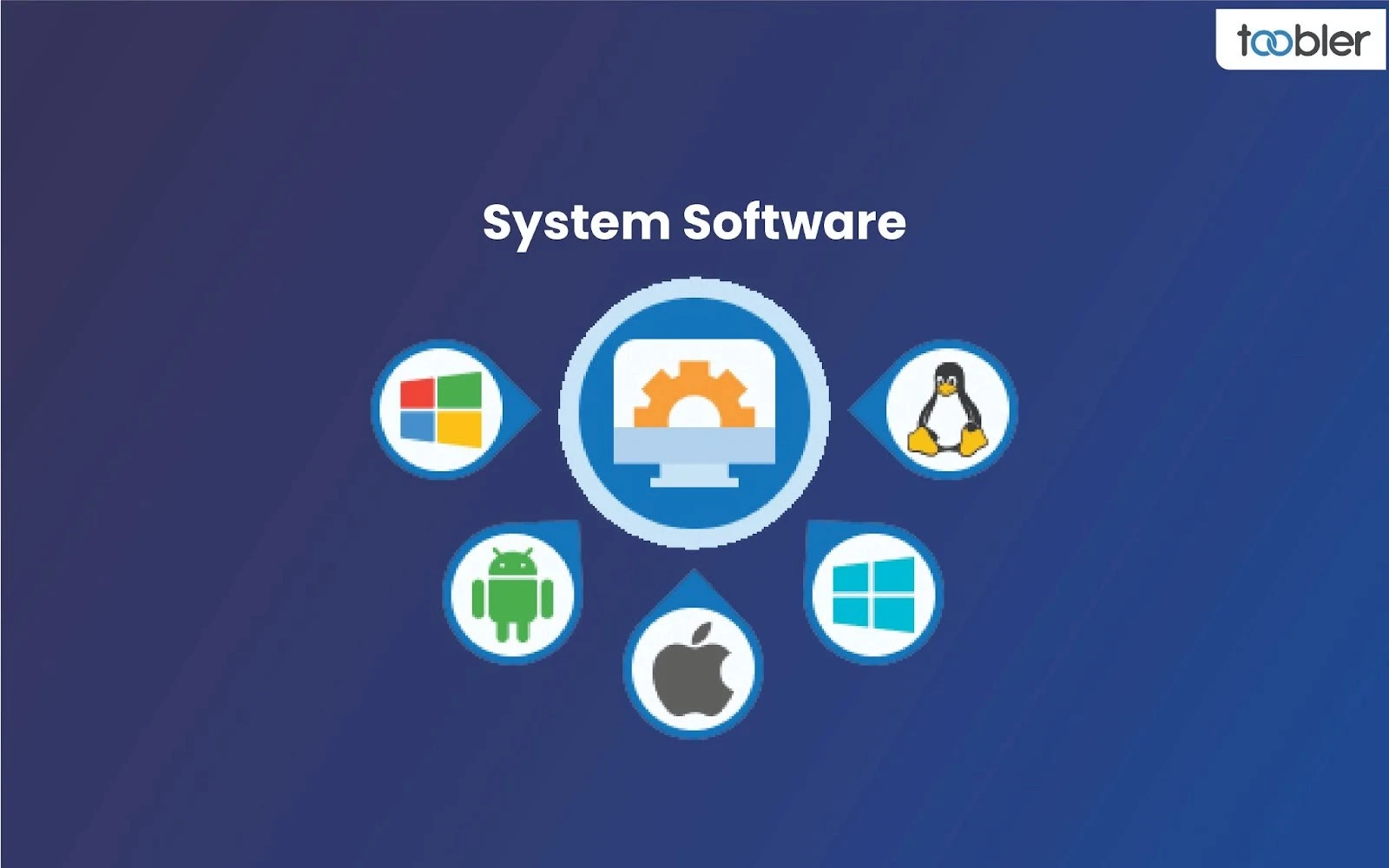
- Operating Systems: Examples include Windows, macOS, Linux, and Android. They are the primary system software that manages all other programs.
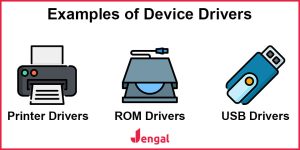
- Device Drivers: These small programs allow the operating system to communicate with a specific hardware device, such as a printer or graphics card.
- Utility Programs: These perform maintenance and optimization tasks, such as disk defragmenters, antivirus software, and file managers.
- BIOS/UEFI: The basic input/output system (BIOS) or Unified Extensible Firmware Interface (UEFI) is firmware that starts up the computer when it is turned on.
- Language Translators: These programs, like compilers and assemblers, convert code from a high-level programming language into machine code that the computer can execute.
What is system software with example?
System software manages a computer’s hardware and provides a platform for application software to run. It is the foundational software that runs in the background, enabling the computer’s basic functions, with the operating system being the most common example. Other examples include device drivers, firmware, and utility programs.
System software:
Operating System (OS):
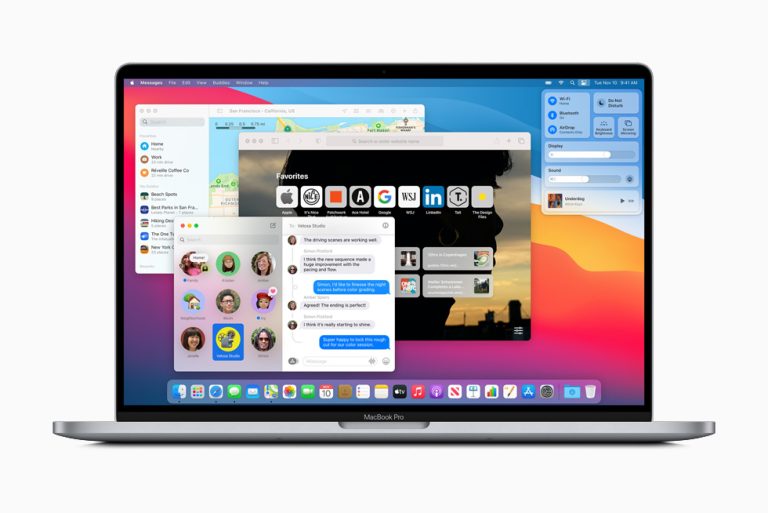
The most prominent type of system software, the OS manages hardware resources like the CPU, memory, and storage, and provides a user interface. Examples: Microsoft Windows, macOS, Linux, and Android.
Device Drivers:
These are programs that allow the OS to communicate with specific hardware devices, such as printers, keyboards, and graphics cards.
Firmware:
Low-level software that is embedded in a hardware device and controls its basic functions, like the BIOS on a computer.
Utility Programs:
Software designed to perform maintenance and management tasks for the computer system, such as disk clean-up tools or antivirus software.
How it differs from application software
System software
is designed to run the computer system itself and acts as an intermediary between the hardware and the user.
Application software
runs on top of system software and is designed to perform specific tasks for the user, such as a web browser, a word processor, or a game.
What is system and application software?

System software manages a computer’s hardware and provides a platform for applications to run, while application software is designed to perform specific tasks for the user. System software is essential for a device to function and includes operating systems and drivers, whereas application software is installed to perform user-facing tasks like browsing the web or editing documents.
What are the 7 functions of system software?
Below are the main functions of system software:
- Managing System Resources. …
- Providing an Operating Environment for Application Software. …
- Controlling and Monitoring System Activities. …
- Ensuring System Security and Protection. …
- Optimizing System Performance. …
- Facilitating User-Computer Interaction. …
- Managing Network Connections.
What are the 4 types of systems?
The four common types of systems are Physical or Abstract, Open or Closed, Deterministic or Probabilistic, and Man-made Information Systems (which can be further broken down into Transaction Processing, Management Information, Decision Support, and Executive Support systems). These classifications depend on the field of study, but these are some of the most frequently cited categories.
Four common types of systems:
- Physical or Abstract:
- Physical systems: have tangible components that can be seen and touched, such as a car engine or a hydraulic system.
- Abstract systems: are conceptual and intangible, like a mathematical system or an organization’s information system.
- Open or Closed:
- Open systems: interact with their environment by exchanging energy, materials, or information, such as a human body or an ecosystem.
- Closed systems: are self-contained and do not interact with their environment, which is a theoretical ideal as most real-world systems have some level of interaction.
- Deterministic or Probabilistic:
- Deterministic systems: have predictable outcomes. Given the same inputs, the system will always produce the same output.
- Probabilistic systems: involve randomness and uncertainty. Their outcomes are not entirely predictable, such as the weather.
- Man-made Information Systems: These are created by humans and used for specific purposes, particularly in organizations. A common breakdown includes:
- Transaction Processing Systems (TPS): Handle daily, routine transactions like order processing and payroll.
- Management Information Systems (MIS): Provide reports to middle managers to help them with monitoring and decision-making.
- Decision Support Systems (DSS): Aid managers in making non-routine decisions by retrieving, summarizing, and analyzing data.
- Executive Support Systems (ESS): Provide strategic information to senior executives for long-term planning.
What are the 5 examples of software?
Word, Photoshop, Reader, Chrome, Gmail, PowerPoint and VLC are computer software examples that professionals use as part of their work or personal pursuits. Software is a computer programme that delivers instructions and data to perform a user’s commands.
What are the 7 types of application software?

What are the Types of Application Software With Examples?
- Word Processing Software. These are designed to facilitate the creation, editing, formatting, and printing of text documents. …
- Spreadsheet Software. …
- Presentation Software. …
- Database Software. …
- Web Browsers. …
- Graphics Software. …
- Multimedia Software. …
- Educational Software.
Who develops system software?
Software engineers design, develop, test and maintain software applications. As a managerial role, software engineers engage in problem solving with project managers, product managers and other team members to account for real-world scenarios and business goals.