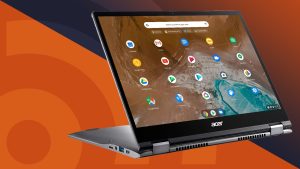



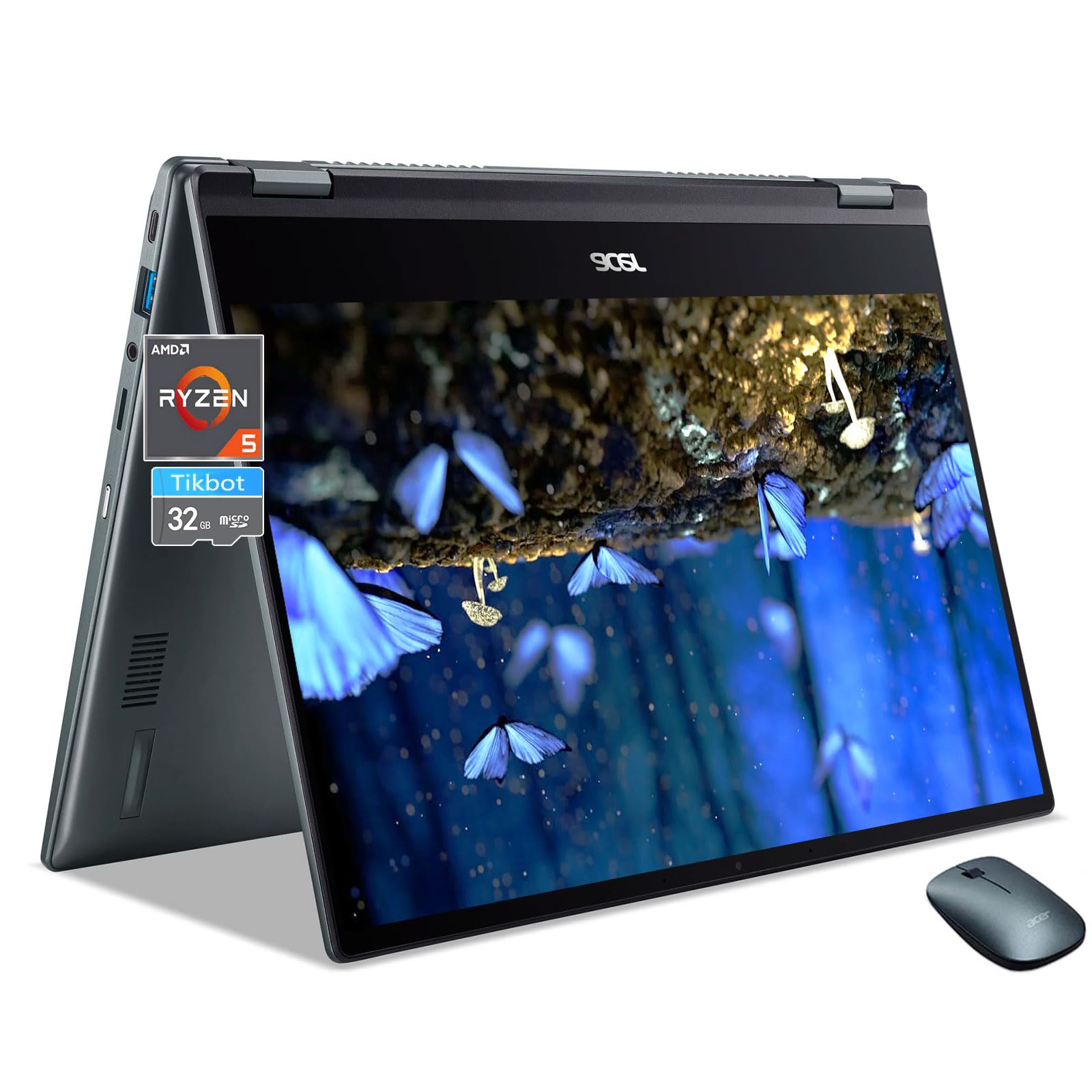
ChromeOS is best for users who rely on web-based applications for tasks like browsing, email, streaming, and cloud-based productivity, and it excels in education and business environments due to its simplicity, speed, and security. It is also a great choice for gaming through cloud streaming services, and for those who want a lightweight, low-maintenance device.
Best use cases:
- Everyday web-based tasks: Ideal for web browsing, email, social media, and streaming media like movies and music.
- Cloud productivity: Excellent for using cloud-based apps like Google Docs, Sheets, and Slides, or Microsoft 365, making it easy to collaborate and access files from anywhere.
- Education: The simple, secure, and low-cost nature of ChromeOS makes it a popular choice for students and educational institutions.
- Business: Its built-in security, simplified management, and low maintenance make it a strong option for businesses, with features like remote wipe and centralized management.
- Lightweight gaming: While not ideal for native, high-end gaming, it’s perfect for cloud-based game streaming services like GeForce NOW.
- Running Android and Linux apps: Thanks to full Android app support and the ability to run Linux apps, ChromeOS can handle a much wider range of software than in the past.
Strengths of Chrome OS:
- Security: Designed with multiple layers of security, including verification at boot, a read-only OS, and sandboxing, to protect against malware like ransomware.
- Speed and simplicity: It boots up quickly and is easy to use, requiring only a Google account to get started.
- Affordability: Devices can be more affordable than traditional laptops, and the cloud-first nature means less reliance on high-powered, expensive hardware.
- Automatic updates: Updates happen automatically in the background, and the OS has features like dual-booting, ensuring a seamless experience.
Is ChromeOS better than Windows 10?
ChromeOS is a lightweight, cloud-based operating system that excels at simplicity, security, and fast performance, making it ideal for web-based tasks like browsing, email, and document editing. Windows 10 is a versatile, powerful operating system with broad software and hardware compatibility, suitable for demanding applications, gaming, and users who need to run specialized desktop software. ChromeOS is generally simpler to update and maintain, while Windows 10 offers greater flexibility and power at the cost of more complex updates and higher hardware demands.
ChromeOS:
- Best for: Basic web-based tasks, education, users who prefer simplicity and security.
- Pros:
- Simplicity and speed: Designed to be simple and boots up very quickly, with fast, background updates.
- Security: Built with multiple layers of security, including automatic updates and a more restricted environment to protect against malware.
- Battery life: Efficient hardware use results in better battery life.
- Cost-effective: Generally found on more affordable hardware.
- Cons:
- Software limitations: Primarily runs web apps, Android apps, and Linux apps. It is not designed to run traditional Windows desktop software like Adobe Photoshop or specialized professional applications.
- Offline functionality: While improving, some features and app functionality are limited without an internet connection.
- Gaming: Limited support for high-end, PC-based games.
Windows 10:
- Best for: Power users, gamers, businesses, and anyone needing to run specific desktop software.
- Pros:
- Software compatibility: Can run a vast range of applications, including professional software, a wide selection of games, and specialized tools.
- Versatility: Supports a wide variety of hardware and offers more customization options.
- Offline functionality: Most software runs locally, so a persistent internet connection is not always required.
- Cons:
- Performance: Requires more powerful hardware, which can lead to slower performance on older machines and shorter battery life.
- Security: While robust, the larger attack surface makes it a more frequent target for malware compared to ChromeOS.
- Updates: Update processes can be more intrusive and time-consuming.
- Note: Google offers ChromeOS Flex as a way to convert older Windows PCs into ChromeOS machines, which can be a viable alternative to consider, especially with the end-of-life for Windows 10 approaching.
What are the disadvantages of ChromeOS?
The main disadvantages of Chrome OS are its limited software compatibility, as it primarily runs web apps and has poor support for traditional desktop applications, heavy reliance on internet connectivity, and hardware limitations in many devices, which can affect performance and offline functionality. Other drawbacks include potential privacy concerns due to Google’s data collection and a restricted, cloud-centric ecosystem that requires a Google account for full functionality.
Software and app limitations:
- Limited application support: Chrome OS cannot run most traditional Windows or macOS desktop programs, including specialized software for fields like engineering, finance, or healthcare.
- Web app limitations: The web-based nature of many applications means they often lack the advanced features of their desktop counterparts, such as certain functions in Microsoft Office or Adobe creative suite applications.
- Android app issues: While support for Android apps exists, it can be “sketchy” and not always perform as expected. Some apps may not be available depending on your device’s CPU.
- Linux container problems: The Linux environment can be unstable, with apps sometimes crashing or becoming unresponsive and requiring a system restart.
Connectivity and offline use:
- Internet dependency: Chrome OS is heavily dependent on an internet connection for many functions, including syncing cloud storage and using web-based apps.
- Offline limitations: Offline use is possible but limited. You must explicitly enable documents for offline access in Google Drive, and productivity is significantly reduced without a connection.
Hardware and performance:
- Hardware constraints: Many Chromebooks are built with lower-end hardware, such as less powerful processors and RAM, which can lead to slow performance when multitasking.
- Limited storage: Chromebooks often have limited internal storage, with a greater emphasis placed on cloud storage like Google Drive.
- No hardware upgrades: The hardware in most Chromebooks is not user-upgradable, so you cannot increase RAM or storage later on.
Other disadvantages:
- Privacy concerns: As a Google product, Chrome OS is known to collect user data, which may be a significant concern for privacy-conscious users.
- Google account requirement: A Google account is mandatory to set up and use a Chromebook, which may be inconvenient for users who do not use Gmail or other Google services extensively.
- Peripheral compatibility: Some peripherals, such as certain printers and scanners, may not be compatible because the necessary drivers are not available on Chrome OS.
Before installing a computer you can study this link: https://www.google.com/search?rlz=1C1CHBD_en-GBIN1169IN1169&sca_esv=d2fa72479429c903&q=Best+use+of+ChromeOS&source=lnms&fbs=AIIjpHz30rPMyW-0vSP0k1VTNmO_kCOARpjPjQRkBWH2HwUIz5XUSIJvSK0oms7XOxizDlnal2ELJ36wodvxTBgfChOIqFdTMUOl4Vaz4hD0Gw9ygQkmkqOc94yp_liCuC84n833H4LubpHwMb_5qnYGriSIWYnJyF7Ps3XVIdBhe5CbJT3SIPAtDgaQWYw314JwWbSmz5VNJMKodl1GdyJx1vxuTORb1o5ZhIR5xeOKxhoCqqCklMY&sa=X&ved=2ahUKEwiy647crfmQAxXdyDgGHbfcCpkQ0pQJegQICRAB&biw=1366&bih=641&dpr=1